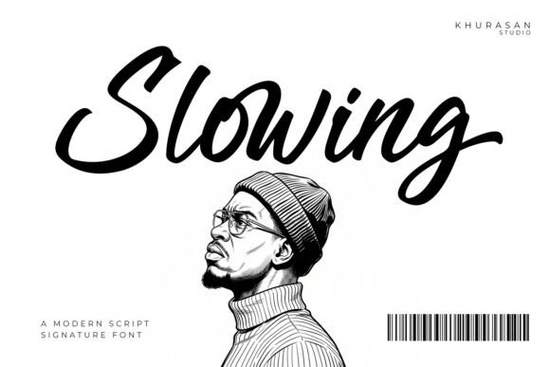
If you're looking for a script font that feels genuinely handwritten not stiff, not overly polished, but warm and expressive Slowing Font is worth your attention. It’s a brush-style script designed to mimic the subtle variations of real pen-on-paper lettering: slight tapering, natural pressure shifts, and organic connections between letters. That means it works well where authenticity matters most like wedding invitations, small-batch product labels, or Instagram quote graphics meant to feel personal, not templated.
What makes Slowing different from other script fonts?
Many script fonts rely on uniform strokes or over-smoothed curves. Slowing avoids that by building in texture and rhythm. Letters flow into one another with gentle, uneven joins not forced ligatures, but the kind you’d see if someone wrote slowly and deliberately with a soft brush pen. The lowercase 's', for example, has a relaxed exit stroke that leads naturally into the next character. Uppercase letters keep their presence without shouting; they’re confident but not flashy. This balance helps it stand out in branding without feeling trendy or dated.
Where does Slowing work best?
It shines in contexts where tone and personality carry as much weight as legibility:
- Small business branding think café menus, boutique packaging, or handmade soap labels where “handmade” isn’t just a claim, it’s visible in the type
- Wedding stationery invitations, place cards, or signage where elegance meets approachability
- Social media visuals especially quote posts or Reels thumbnails where warmth encourages pause and engagement
- Print-on-demand designs tote bags, mugs, or greeting cards where a human touch lifts generic layouts
It’s not ideal for long paragraphs or tiny captions like most expressive scripts, readability drops below 14pt. But that’s by design. Slowing is meant for moments, not marathons.
How does it compare to similar fonts on Creative Fabrica?
If you’ve tried The Bileso Font, you’ll notice Slowing has less contrast between thick and thin strokes making it softer and more consistent at smaller sizes. Compared to Alex Brush, Slowing leans slightly more casual, with looser spacing and a gentler baseline rhythm. Fans of Raisin Cookie might appreciate Slowing’s cleaner entry/exit strokes less bounce, more glide. And while Stowy offers playful energy, Slowing trades some whimsy for quiet confidence. Even Candy Diary with its bouncy, youthful vibe feels busier next to Slowing’s measured pace.
None of these are “better” or “worse.” They serve different moods. Slowing fits when you want sincerity over sparkle, calm over chaos.
Practical tips before you download
Slowing includes standard Latin characters (A–Z, a–z, numerals, basic punctuation) and supports OpenType features like contextual alternates meaning some letter pairs automatically adjust for smoother connections. You’ll get both OTF and TTF files, so it works in Canva, Adobe apps, Cricut Design Space, and Silhouette Studio.
One thing to watch: because of its brush texture, it doesn’t always render crisply at very low resolutions (e.g., tiny web buttons). Test it at your intended size first especially if you’re prepping files for print vendors or embroidery digitizing.
For reference, you can preview Slowing Font directly on Creative Fabrica, where you’ll also find user reviews and real project examples from fellow designers and crafters.
Ready to try it?
Here’s what to do next:
- Download the font and install it on your machine
- Open a blank document and type a short phrase try “hello friend” or “thank you” at 36–48pt to feel the rhythm
- Compare how it looks next to a neutral sans-serif (like Montserrat or Inter) for contrast
- Test it in one real project even a simple Instagram Story text overlay to see how it lands with your audience
- Notice where it feels right: Is it the warmth? The spacing? The way certain letters (like ‘g’ or ‘y’) sit on the baseline? That’s your cue to use it more intentionally.
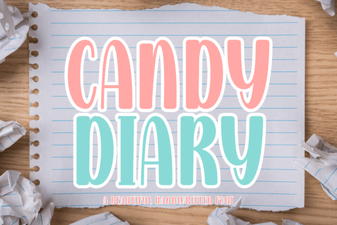 Candy Diary Font Ideas for Creative Projects
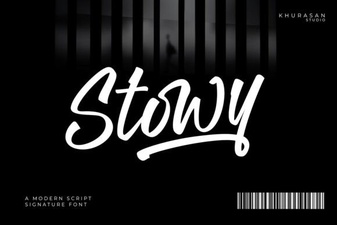 Stowy Font: a Creative Typography Toolkit for Designers
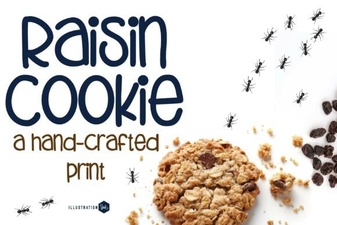 Free Family Cookie Recipe Fonts & Designs
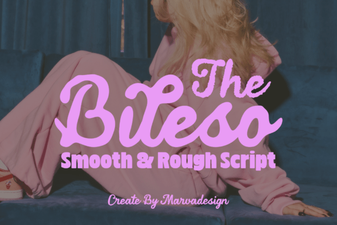 The Bileso Font: a Modern Typographic Toolkit
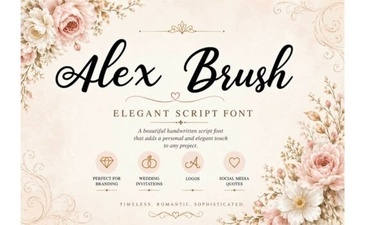 Craft Elegance with Alex Brush Font Projects
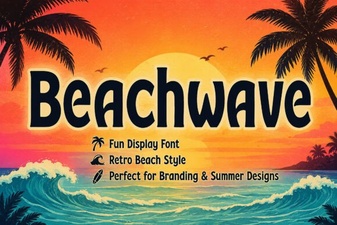 Design Projects with Beachwave Font Style