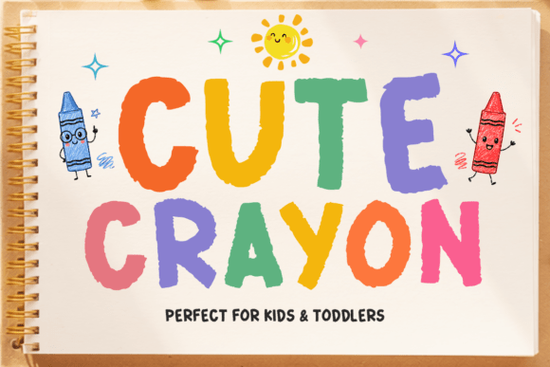
If you're looking for a friendly, hand-drawn font that feels like it came straight from a child’s art box Cute Crayon Font is exactly what you need. It’s not overly polished or digital-perfect. Instead, it leans into the charming imperfections of real crayon marks: slight wobbles, uneven edges, and that soft, waxy texture we all remember from kindergarten. Designers working on kids’ birthday invites, preschool lesson plans, nursery wall decals, or playful POD products (like toddler t-shirts or baby shower onesies) find it especially useful because it reads as warm, approachable, and age-appropriate not cutesy in a forced way.
Who actually uses Cute Crayon Font and why?
This font shines where authenticity and emotional resonance matter more than precision. Teachers use it for classroom posters and reward charts because it feels inviting to young readers. Small business owners creating custom baby milestone blankets or wooden growth charts choose it for its tactile, handmade vibe. Print-on-demand sellers report higher engagement on listings with Cute Crayon Font in mockups especially for items aimed at ages 0–5. Even hobbyists making DIY sticker sheets or printable coloring pages appreciate how naturally it pairs with doodle-style illustrations.
How does it work with other fonts?
It’s a display font, so it’s best used for headlines, short phrases, or decorative text not long paragraphs. Pair it with clean, legible sans-serifs (like Open Sans or Montserrat) for body copy, or contrast it with another hand-drawn option for visual interest. For example, if you’re designing a summer camp flyer, you might combine Cute Crayon Font with Beachwave Font for a relaxed, seaside feel or layer it with Subway Graffiti Font for an urban-kids mashup (think “Art Club” or “Tiny Muralist” tee designs). Just keep hierarchy clear: let Cute Crayon lead, and let supporting fonts stay quiet.
What’s included in the download?
You’ll get both uppercase and lowercase letters, numerals, basic punctuation, and common accented characters enough to cover most English-language projects without needing workarounds. The file comes in OTF and TTF formats, so it works across Mac, Windows, Cricut Design Space, Silhouette Studio, Canva (via upload), and Adobe apps. No extra plugins or subscriptions needed. And since it’s a single-weight, chunky design, there’s no confusion about which style to pick it’s intentionally straightforward.
Does it work for commercial use?
Yes with limitations. The standard license covers personal use and small-scale commercial projects (like selling up to 500 physical items or digital downloads per year). If you plan to use it on merchandise sold through platforms like Etsy, Redbubble, or Amazon Merch, double-check the current license terms on Creative Fabrica’s product page. Some designers pair it with broader-coverage bundles like The Massive Mega Bundle Font to simplify licensing across multiple fonts in one project.
Real-world tips before you download
• Test spacing first: Because of its thick, irregular shape, letters like “A,” “M,” and “W” sit wider than usual. Adjust tracking slightly if lines feel too loose.
• Avoid tiny sizes: It’s designed to be seen at 24pt and up. Below 16pt, details blur and legibility drops especially for early readers.
• Try it with texture overlays: A subtle paper grain or light chalk noise effect enhances the hand-drawn illusion without competing.
• Watch out for similar-looking fonts: Robot Parts Font and Jersey Number Font have their own charm, but they lean sporty or techy not crayon-soft. Make sure your project’s tone matches the font’s personality.
Before you start designing: Open your project, install the font, type a simple phrase like “Happy Birthday!” or “First Day of Preschool,” and step back. Does it feel like something a child would proudly point to and say, “I did that!”? If yes you’ve picked right. If not, try adjusting size, color, or background contrast. Sometimes the smallest tweak makes all the difference.
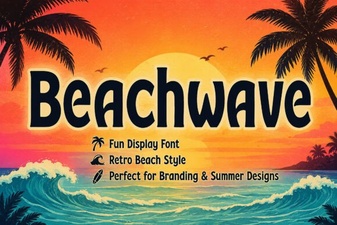 Design Projects with Beachwave Font Style
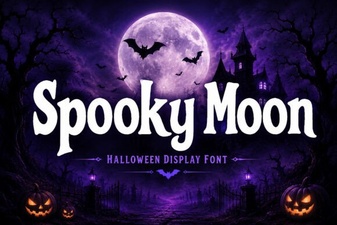 Spooky Moon Fonts for Your Halloween Designs
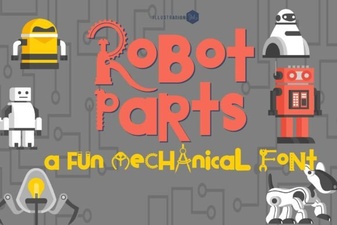 Crafting Futuristic Designs with Robot Parts Fonts
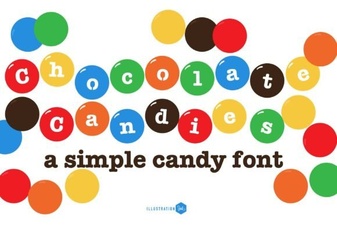 A Font Family Inspired by Chocolate Candies
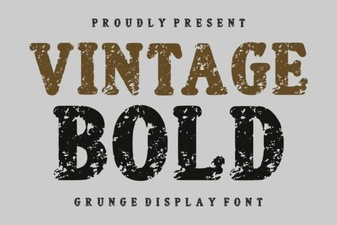 Discover Bold Vintage Fonts for Classic Design Projects
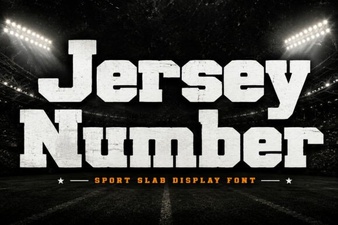 Custom Jersey Number Fonts for Sports & Diy Projects